AlohaMini 1#
First generation hardware tutorial provides a bill of materials, assembly steps and assembly photos.
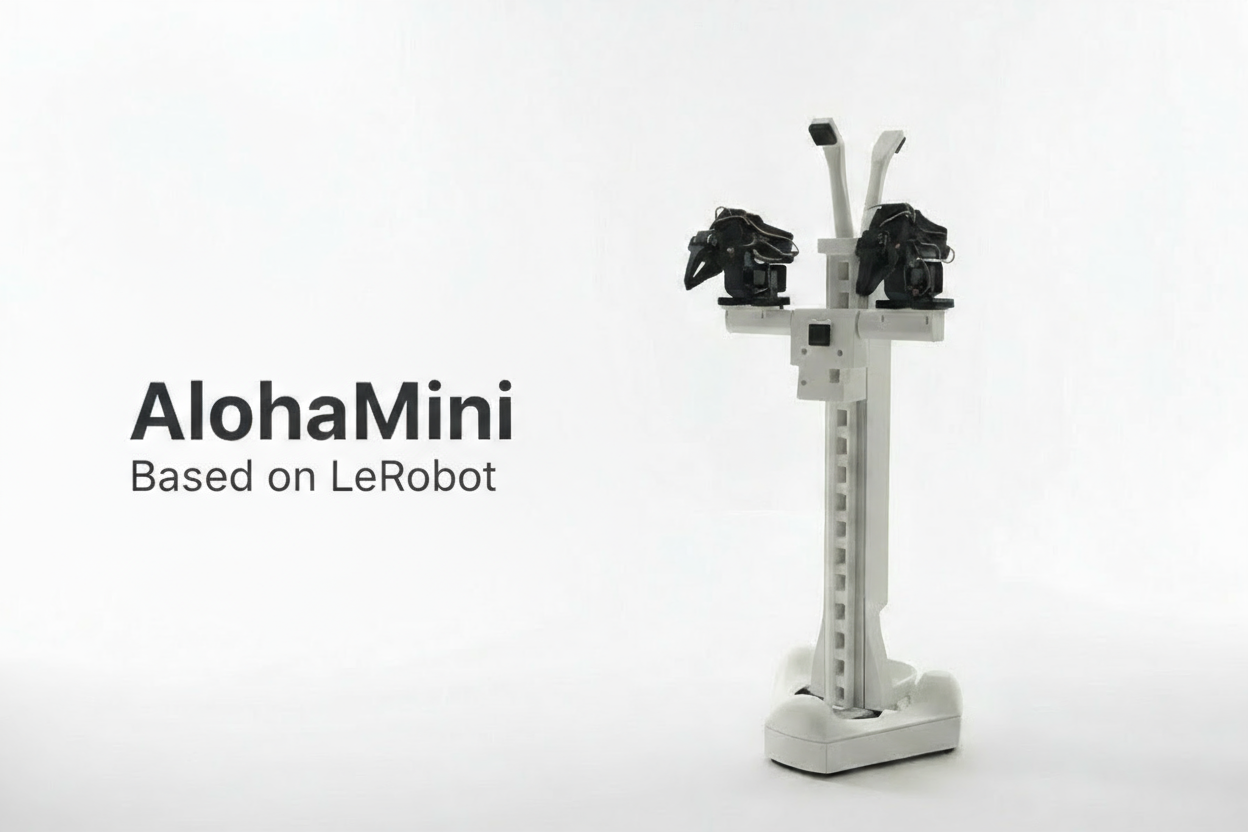
The first generation uses SO-ARM100 / SO-ARM101 double arms, with wheeled chassis and electric lifting mechanism. The hardware, software and simulation entrances of the first generation are reserved here.
Hardware information#
Software and Simulation#
The current unified software entrance is lerobot_alohamini. Please select the hardware configuration corresponding to the generation.
For simulation resources, please view the Simulation Guide.
The difference from the second generation#
The second generation replaced the mechanical arm and strengthened the chassis and lifting mechanism. Check the Models and specifications and confirm the design differences before deciding whether to upgrade.
First generation software parameters#
parameters |
generation value |
|---|---|
Machine model |
|
leader arm profile |
|
Commonly used leader arm calibration IDs |
|
Data interface |
16 dimensions |
Wheelset and elevator servo |
STS3215 |
Lifting transmission parameters |
84 mm/rev |
Boot on the Pi:
python -m lerobot.robots.alohamini.alohamini_host --robot_model alohamini1
Start on PC:
python examples/alohamini/teleoperate_bi.py \
  --robot.remote_ip <Pi_IP> \
  --robot.robot_model alohamini1 \
  --teleop.id so101_leader_bi \
  --teleop.arm_profile so-arm-5dof \
  --fps 50 \
  --camera-fps 30
What to replace when using the unified tutorial#
For installation, device discovery and data workflow, please refer to the unified tutorial on this site. Steps involving hardware use a generation structure and parameters:
The calibration command is changed to the first generation model and SO leader arm profile.
Teleoperation, recording, playback and evaluation remain
alohamini1.The dataset uses an independent name to record its 16-dimensional state/action definition.
The model uses checkpoints that match one generation of data.
The camera name is based on the current actual configuration and existing data.
Keep records of calibrations, datasets, models and camera configurations before migrating from older versions. Old data may also involve angle/normalized representation differences. You should check the use_degrees compatibility option in the configuration and the original data semantics. Do not judge compatibility based only on the array length.
Keep and upgrade#
The first generation can still be used for teleoperation, data acquisition and model experiments. The second generation upgrade involves the robotic arm, lifting and chassis structure, as well as the profile and data interface in the software; this is a set of hardware and configuration changes that require re-examination of assembly, calibration and training data.