AlohaMini 2 / 2 Pro Unboxing Guide#
Thanks for ordering the AlohaMini.
AlohaMini is a set of two-arm elevating robots used for algorithm teaching and reproduction. When packaging and shipping, try not to remove the wires. In terms of hardware, you only need to connect the battery and turn it on.
Hardware installation#
Robot side:#
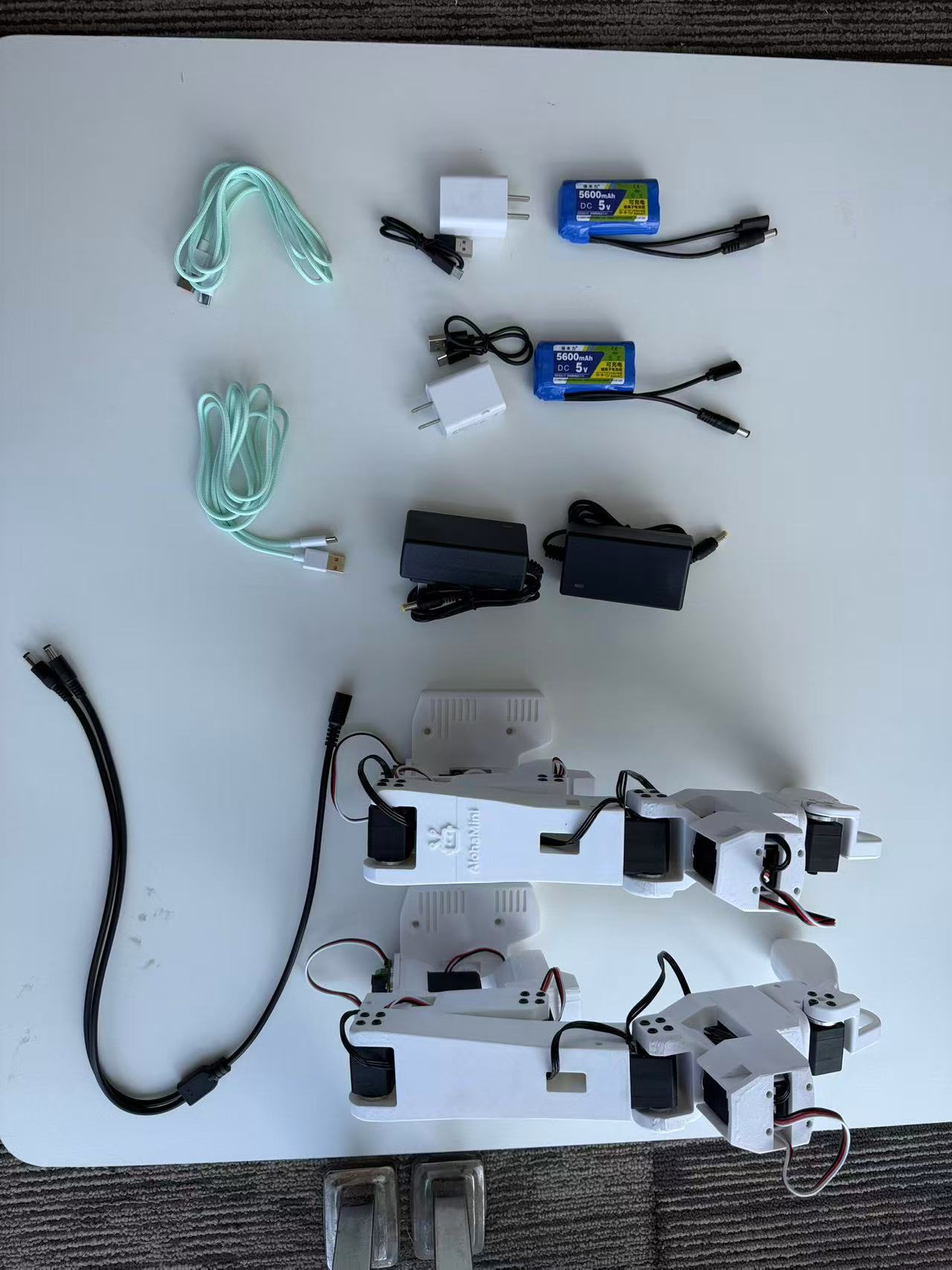
Find the charger and battery in the box, two 12V lithium batteries and their charger, two 5V lithium batteries and their charger. When charging the 12V lithium battery, the charger will have a constant red light, and the green light will stay on after it is fully charged. After 5V is fully charged, 4 white lights will light up on the battery.
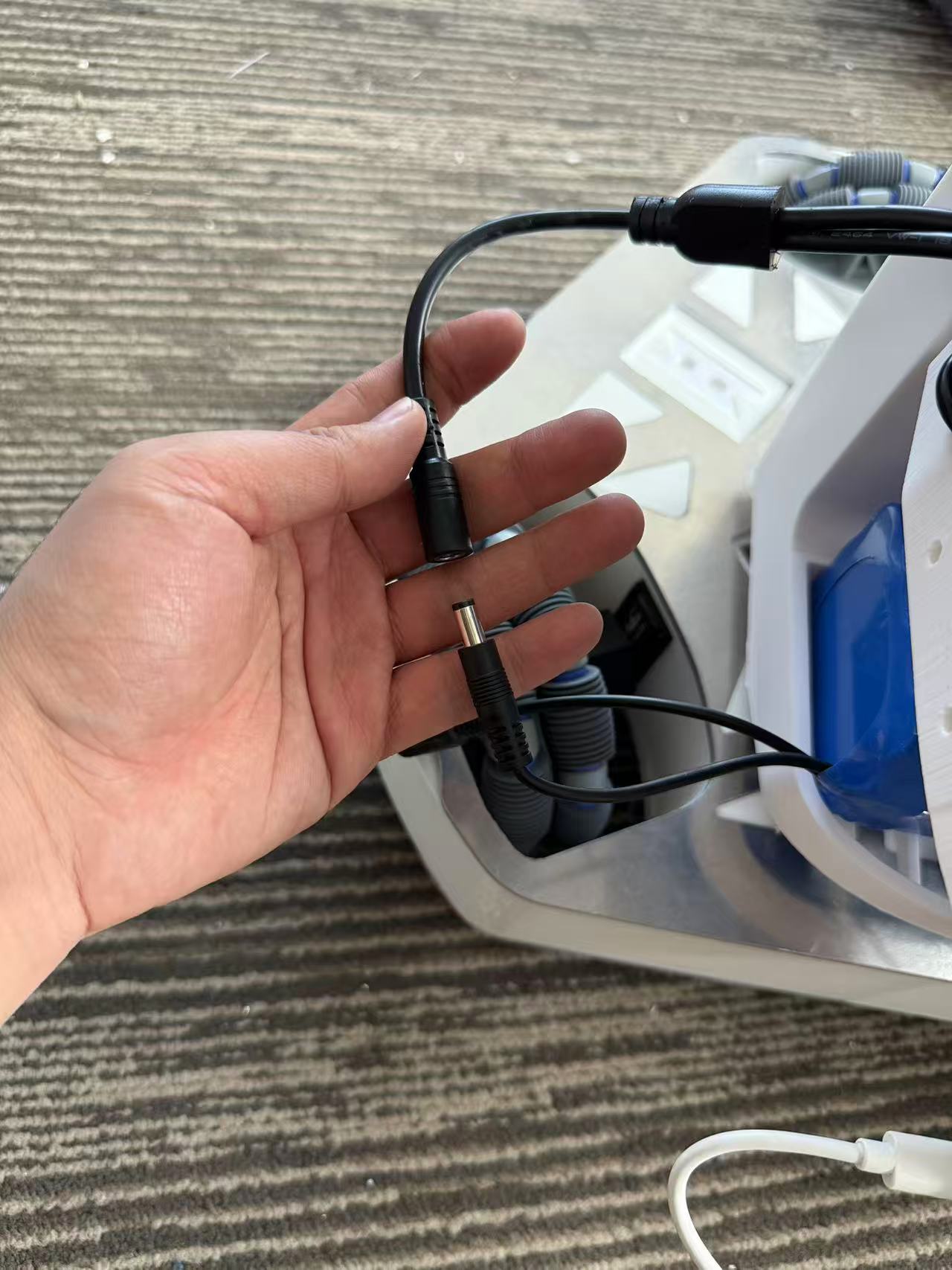
Put a 12V battery into the bottom compartment of the robot, connect it to the DC line interface in the picture, and power the Follower Arms and lifting chassis.
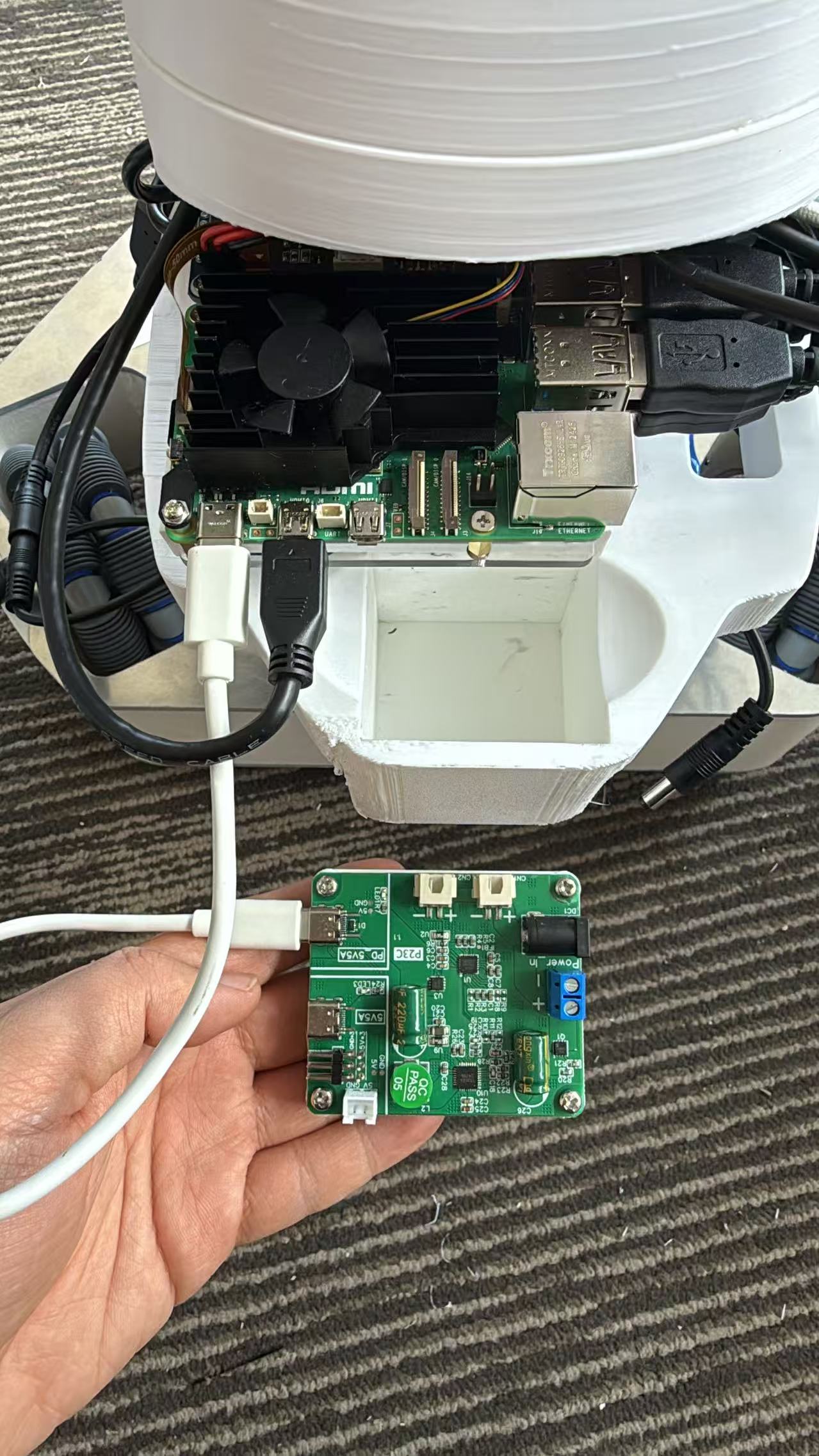
Insert the power board into the card slot and connect it to the Raspberry Pi using the PD 5V5A socket.
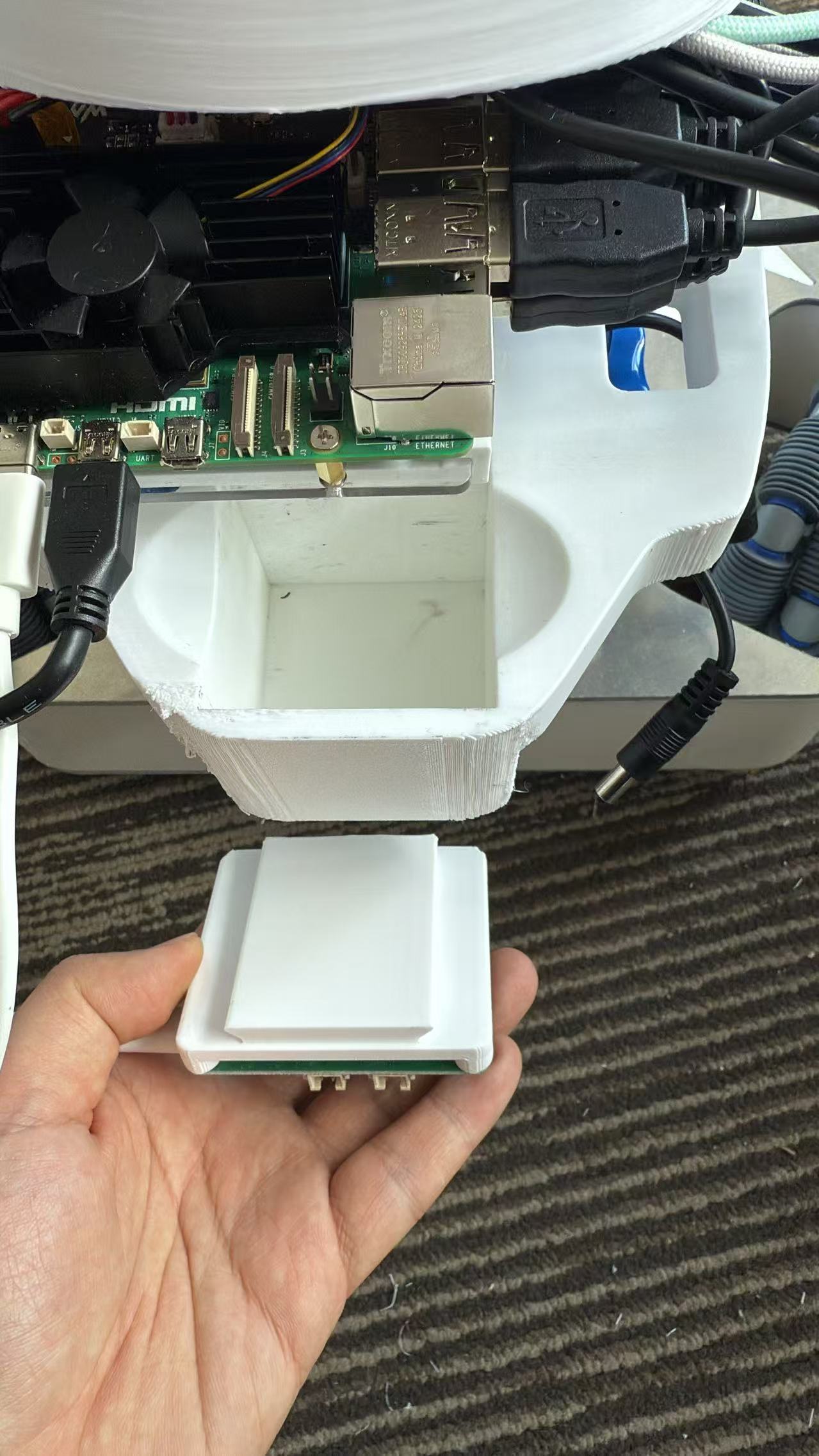
Place another 12V battery into the bottom compartment to power the power strip.
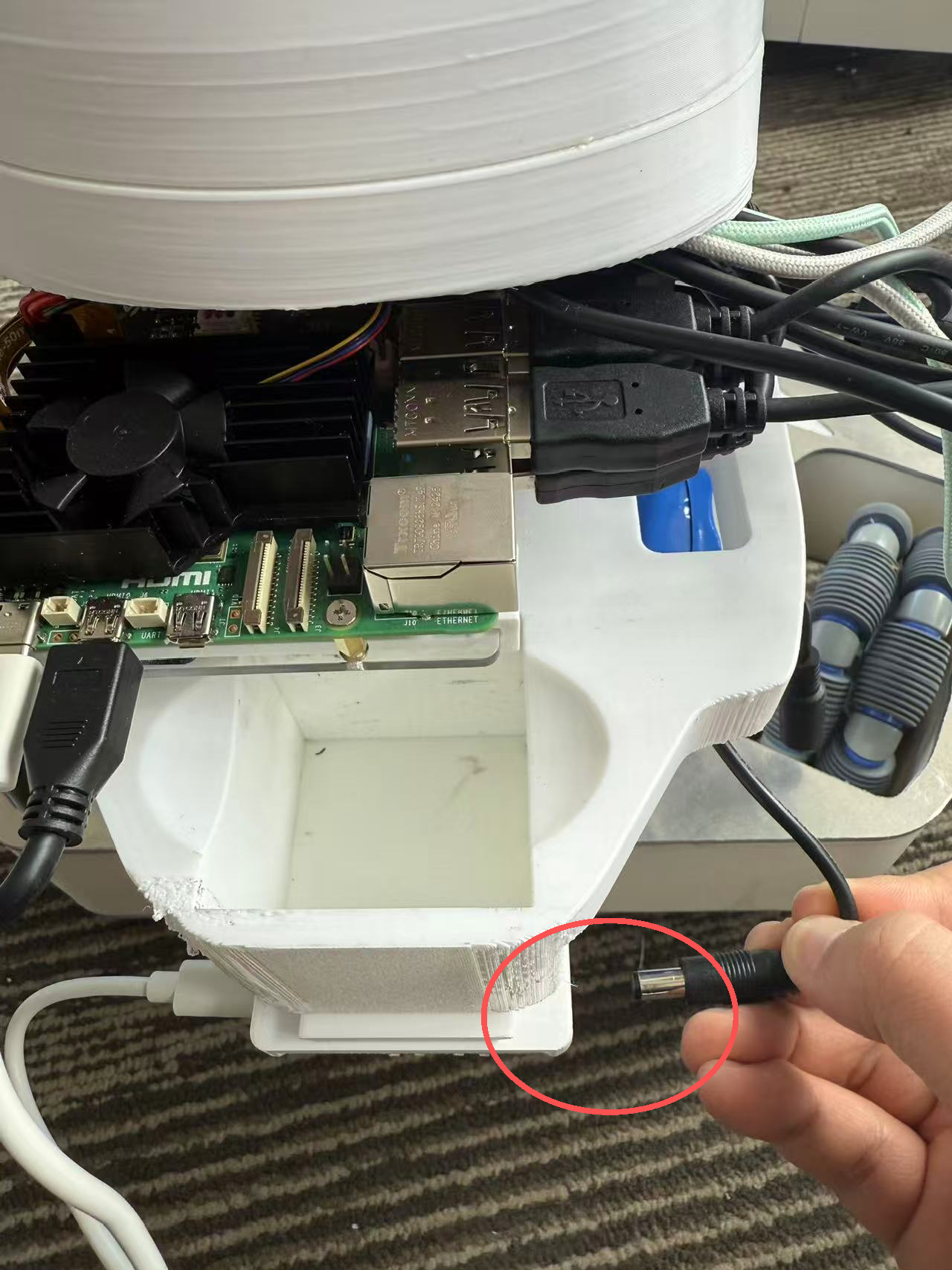
After success, the Raspberry Pi screen will light up. The screen is touch screen. You can connect to a 5G band wifi and record the current Raspberry Pi IP address, such as: 192.168.50.88.
(If it is inconvenient to operate, you can also connect the keyboard and mouse via Bluetooth.)
teleoperation terminal:#
Connect the 5V power supply to the DC line to power the two robotic arms. Both of the following methods will work:
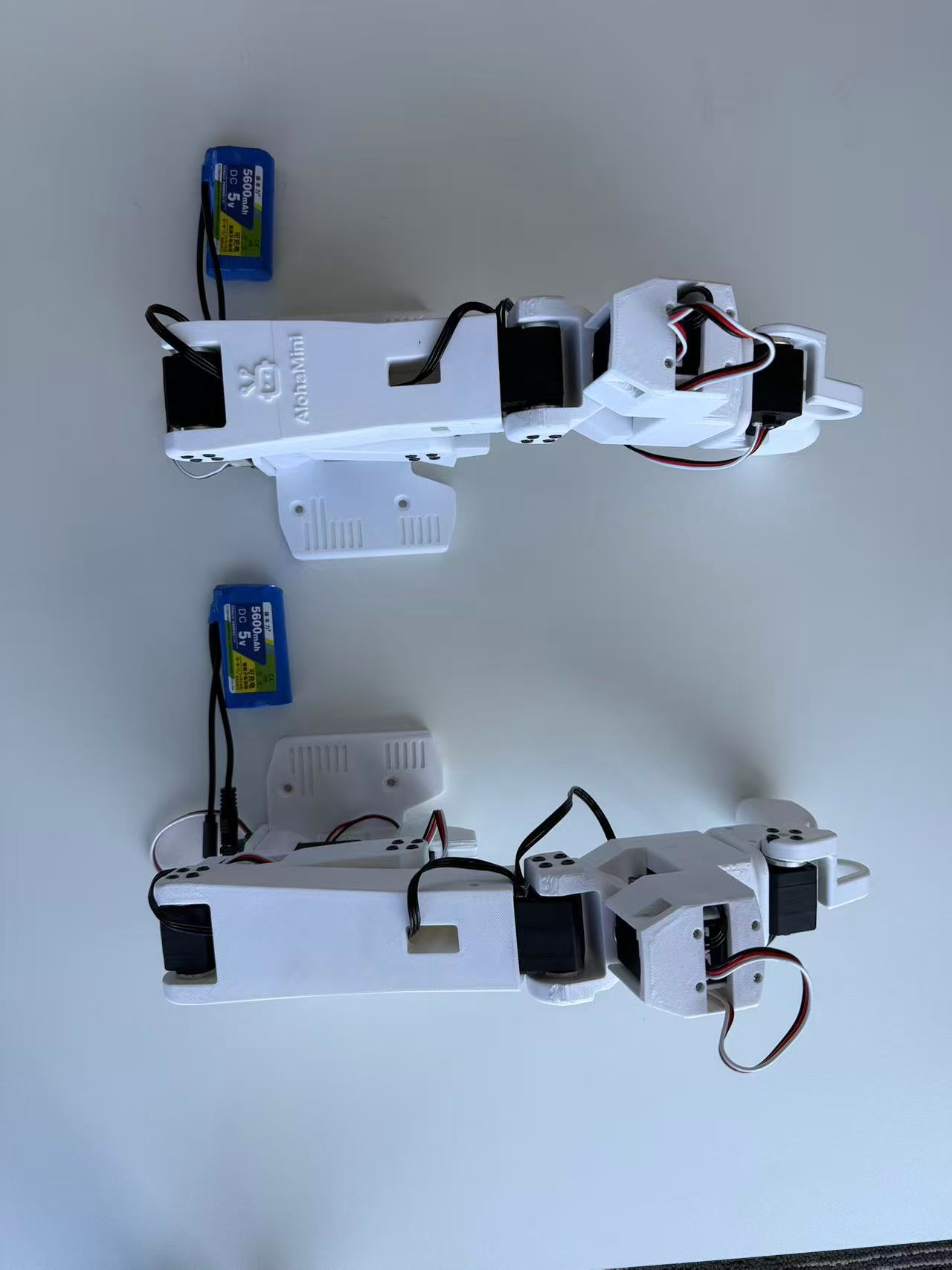
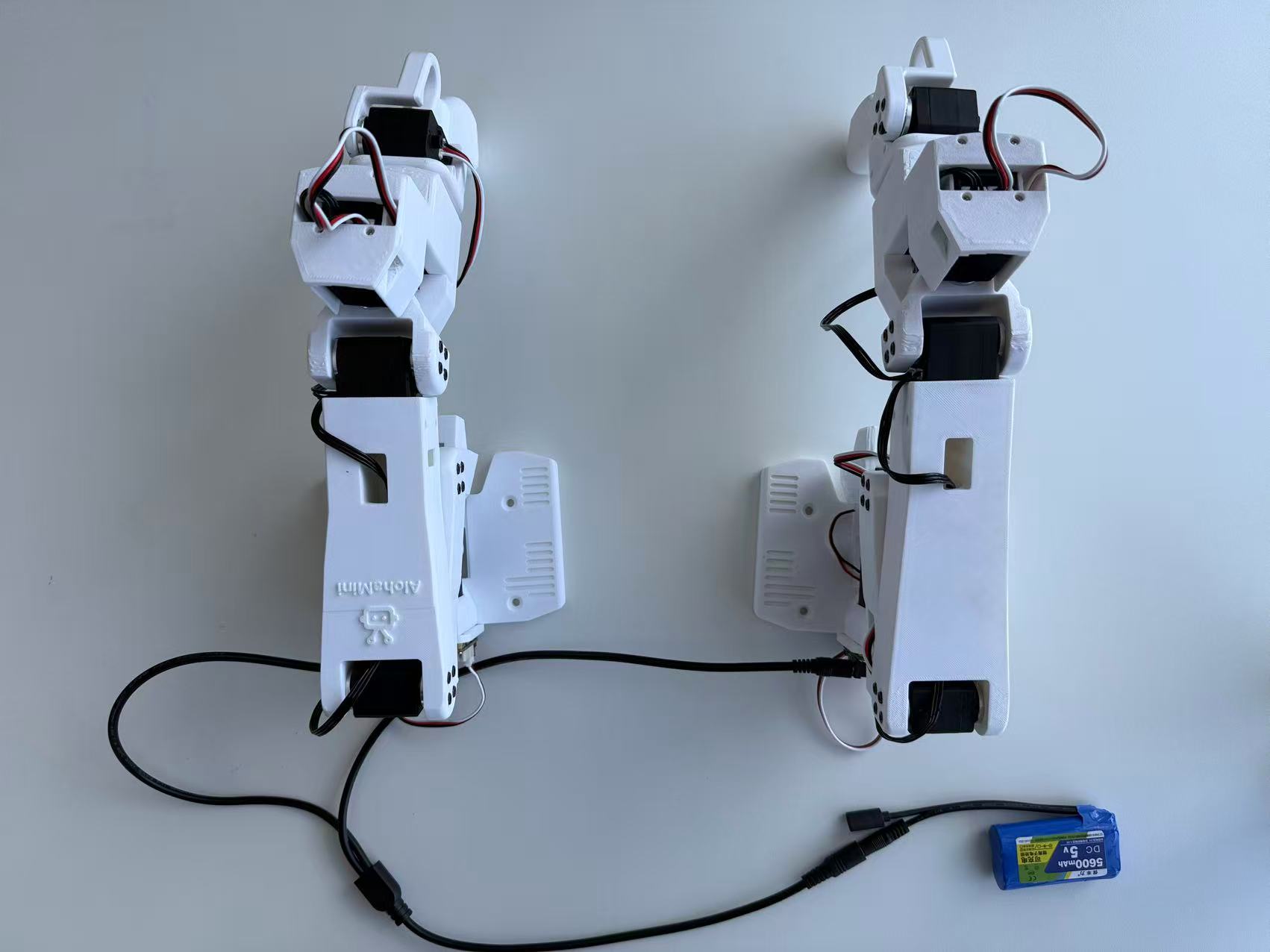
Then connect the USB-C ports of the two robotic arms to the PC
Software installation and debugging#
If you have some experience in lerobot development, you can quickly start rocking through the following “AlohaMini Pro Quick Start Guide”. If you have never come into contact with lerobot, please refer to “AlohaMini_beginner tutorial”